La plataforma operativa de Innerspec Technologies (ITOP) es un conjunto de software completo que sustenta todos los nuevos sistemas integrados y equipos portátiles de Innerspec. ITOP incluye nuestro sistema operativo personalizado (ITOS), el software de aplicación para cada aplicación (NDT-WEB), una utilidad de gestión de sistemas y comunicaciones (SYSTEM MANAGER) y un portal basado en la nube (NDT-LINK).
ITOS — Innerspec Technologies Operating System. Custom-made Linux-based Operating System designed specifically for Innerspec Technologies instruments.
NDT-WEB — Application-specific software. First web-based NDT software in the market. It enables users to connect to, control, and monitor inspection systems from any networked computer through a standard web browser, eliminating the need for dedicated client installations. It is native for all Innerspec’s Integrated and Portable Instruments.
SYSTEM MANAGER — System management and communications utility available in all Innerspec’s Integrated and Portable instruments. It monitors and provides a full assessment of the status of the hardware, and permits configuring the system drives, backups, and communication with external devices. When connected to NDT-LINK, it provides cloud backup and storage, and automatic updates on users and software applications.
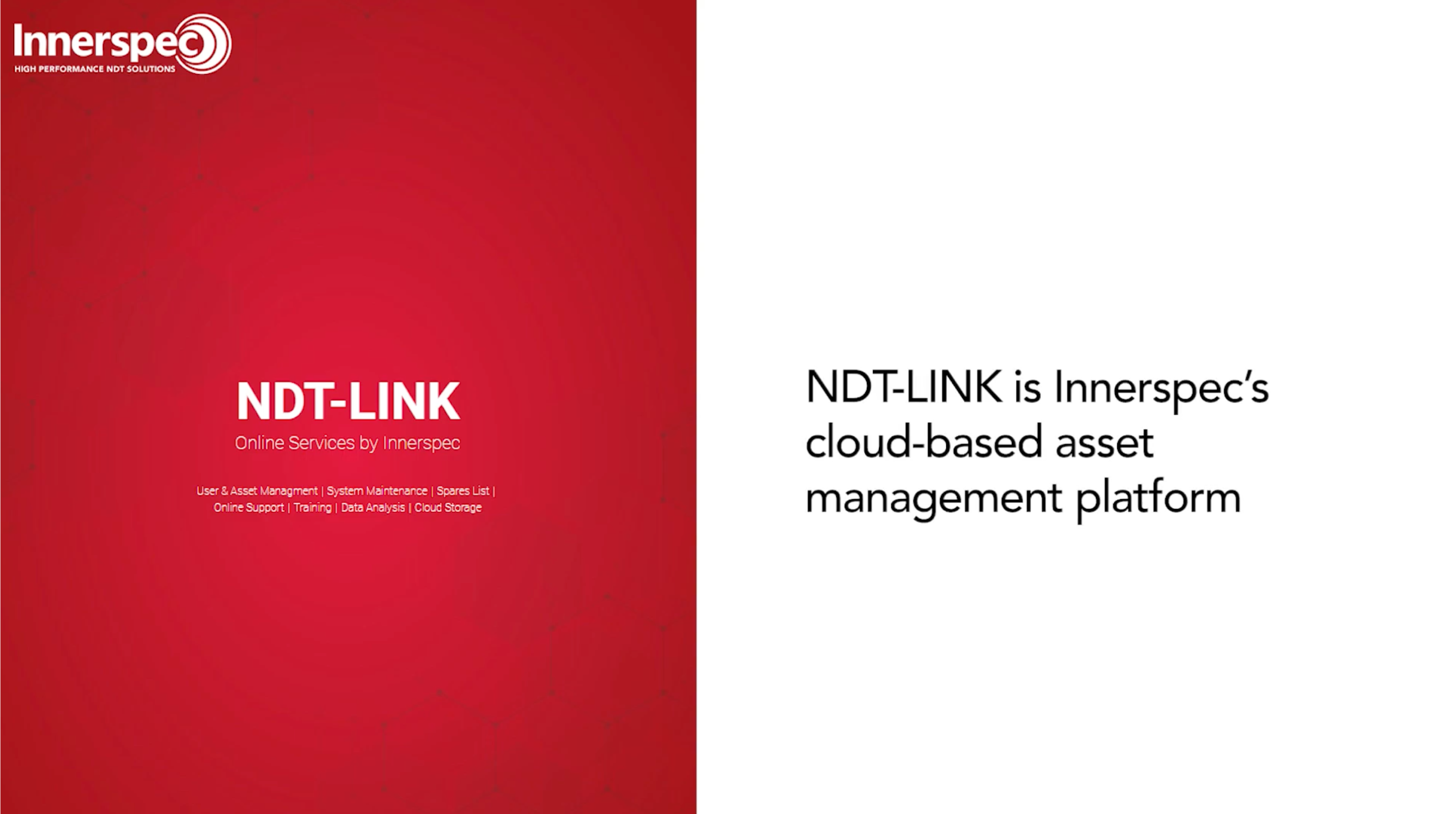
Innerspec’s integrated and portable systems can be seamlessly connected to NDT-LINK, Innerspec’s cloud-based Asset Management platform. NDT-LINK helps customers manage equipment, users, documentation, maintenance resources, support, training materials, software updates, and cloud storage from a centralized online portal. Designed to improve operational efficiency and equipment visibility, NDT-LINK provides secure access to the tools and information needed to support the full lifecycle of Innerspec inspection systems.
When equipment is connected to NDT-LINK, key functions such as user management, software updates, and cloud storage synchronization can be managed automatically from the cloud. For systems that are not connected to NDT-LINK, all platform features remain available; however, software updates and user-management changes must be transferred manually to the equipment using a USB device.
NDT-LINK Features:
Optional Packages:
La plataforma operativa de Innerspec Technologies (ITOP) es un conjunto de software completo que sustenta todos los nuevos sistemas integrados y equipos portátiles de Innerspec. ITOP incluye nuestro sistema operativo personalizado (ITOS), el software de aplicación para cada aplicación (NDT-WEB), una utilidad de gestión de sistemas y comunicaciones (SYSTEM MANAGER) y un portal basado en la nube (NDT-LINK).
ITOS — Innerspec Technologies Operating System. Custom-made Linux-based Operating System designed specifically for Innerspec Technologies instruments.
NDT-WEB — Application-specific software. First web-based NDT software in the market. It enables users to connect to, control, and monitor inspection systems from any networked computer through a standard web browser, eliminating the need for dedicated client installations. It is native for all Innerspec’s Integrated and Portable Instruments.
SYSTEM MANAGER — System management and communications utility available in all Innerspec’s Integrated and Portable instruments. It monitors and provides a full assessment of the status of the hardware, and permits configuring the system drives, backups, and communication with external devices. When connected to NDT-LINK, it provides cloud backup and storage, and automatic updates on users and software applications.
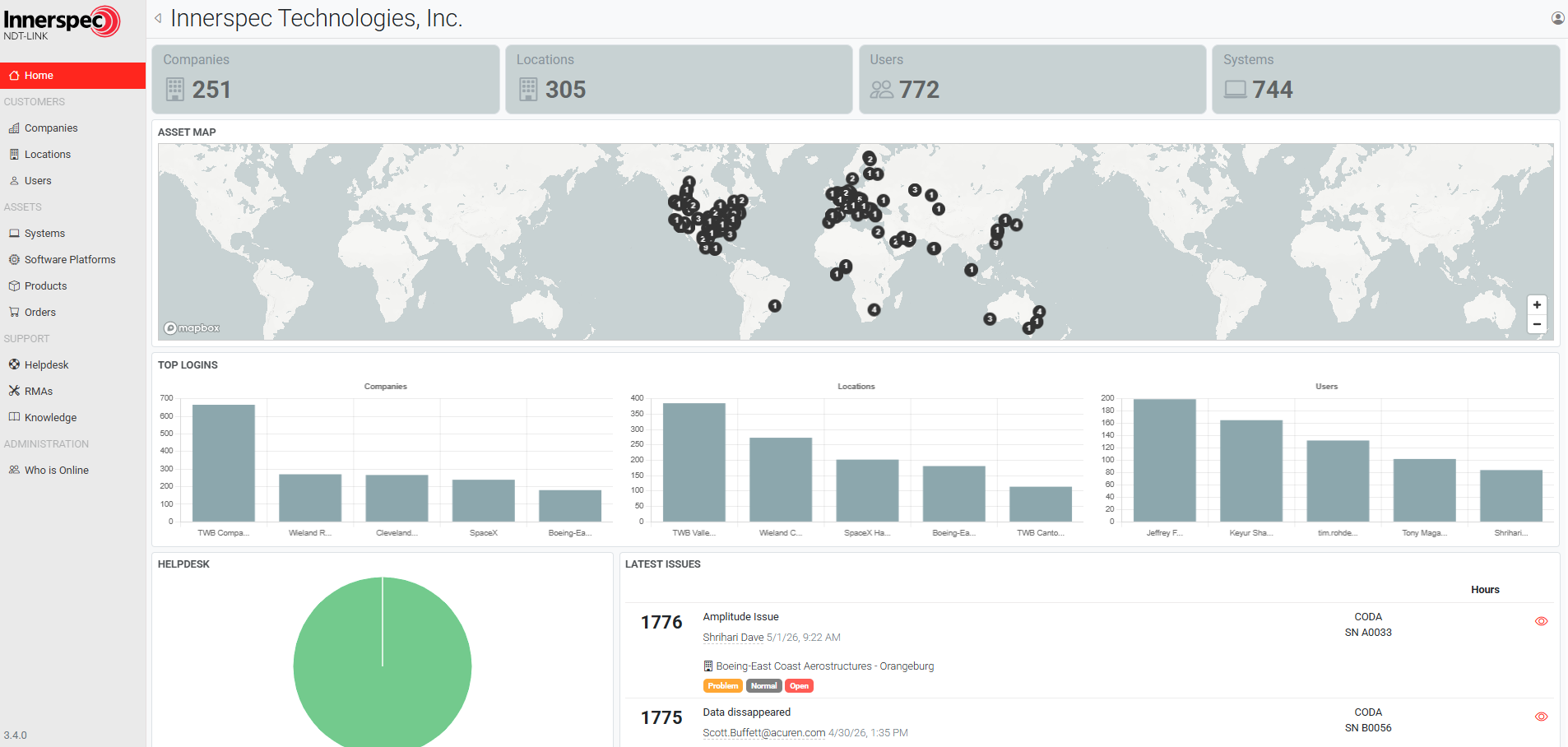
Innerspec’s integrated and portable systems can be seamlessly connected to NDT-LINK, Innerspec’s cloud-based Asset Management platform. NDT-LINK helps customers manage equipment, users, documentation, maintenance resources, support, training materials, software updates, and cloud storage from a centralized online portal. Designed to improve operational efficiency and equipment visibility, NDT-LINK provides secure access to the tools and information needed to support the full lifecycle of Innerspec inspection systems.
When equipment is connected to NDT-LINK, key functions such as user management, software updates, and cloud storage synchronization can be managed automatically from the cloud. For systems that are not connected to NDT-LINK, all platform features remain available; however, software updates and user-management changes must be transferred manually to the equipment using a USB device.
NDT-LINK Features:
Optional Packages:
El elemento de texto enriquecido le permite crear y dar formato a títulos, párrafos, citas en bloque, imágenes y vídeos, todo en un solo lugar en lugar de tener que añadirlos y darles formato individualmente. Sólo tienes que hacer doble clic y crear contenido fácilmente.
Un elemento de texto enriquecido puede utilizarse con contenido estático o dinámico. Para el contenido estático, basta con soltarlo en cualquier página y empezar a editarlo. Para el contenido dinámico, añada un campo de texto enriquecido a cualquier colección y luego conecte un elemento de texto enriquecido a ese campo en el panel de configuración. Y ya está.
Los títulos, los párrafos, las citas en bloque, las figuras, las imágenes y las leyendas de las figuras pueden ser estilizados después de añadir una clase al elemento de texto enriquecido utilizando el sistema de selector anidado "When inside of".
El elemento de texto enriquecido le permite crear y dar formato a títulos, párrafos, citas en bloque, imágenes y vídeos, todo en un solo lugar en lugar de tener que añadirlos y darles formato individualmente. Sólo tienes que hacer doble clic y crear contenido fácilmente.
Un elemento de texto enriquecido puede utilizarse con contenido estático o dinámico. Para el contenido estático, basta con soltarlo en cualquier página y empezar a editarlo. Para el contenido dinámico, añada un campo de texto enriquecido a cualquier colección y luego conecte un elemento de texto enriquecido a ese campo en el panel de configuración. Y ya está.
Los títulos, los párrafos, las citas en bloque, las figuras, las imágenes y las leyendas de las figuras pueden ser estilizados después de añadir una clase al elemento de texto enriquecido utilizando el sistema de selector anidado "When inside of".